



There are no rules on how to get your design on your rug backing. If you have a beamer that is a great way. Or you can draw it freely by hand. We get the best results using a printer.
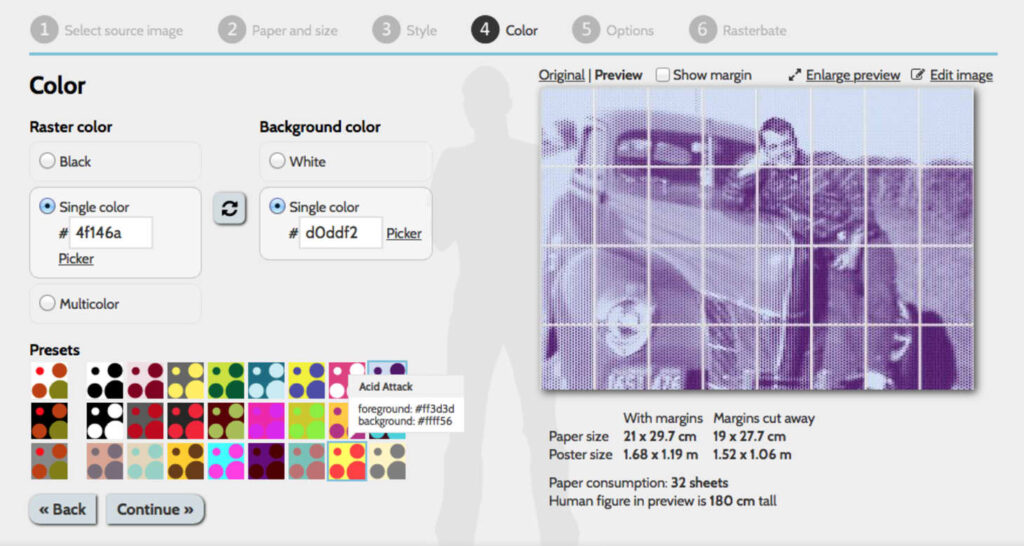
We use the website rasterbator.net to upload and scale a design. Just upload your image and select the size. Quick tip: upload a mirrored design! Left is right and right is left.
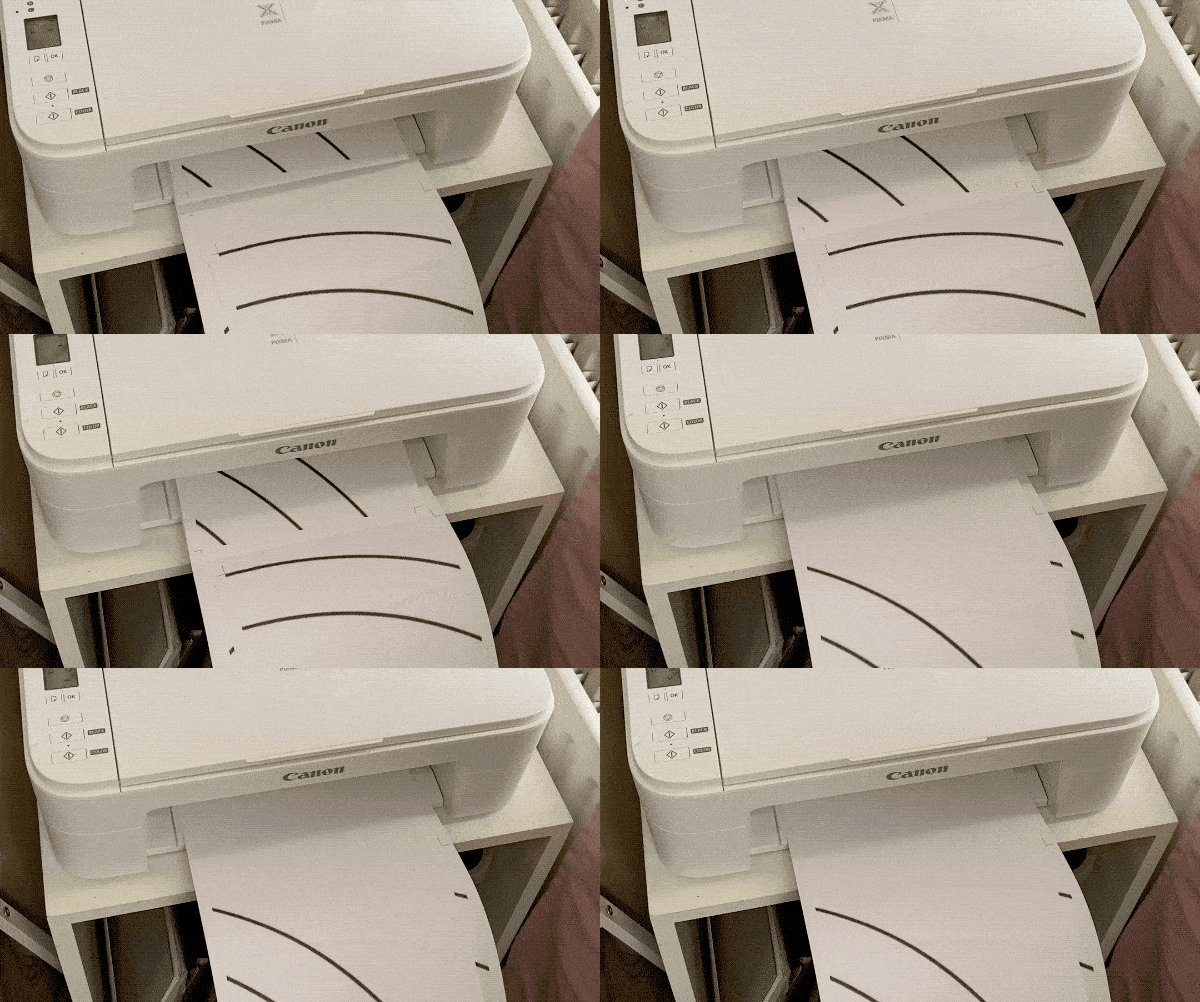
Rasterbator will then generate your image over several sheets of paper which you can print using typical A4 paper.
Align your sheets
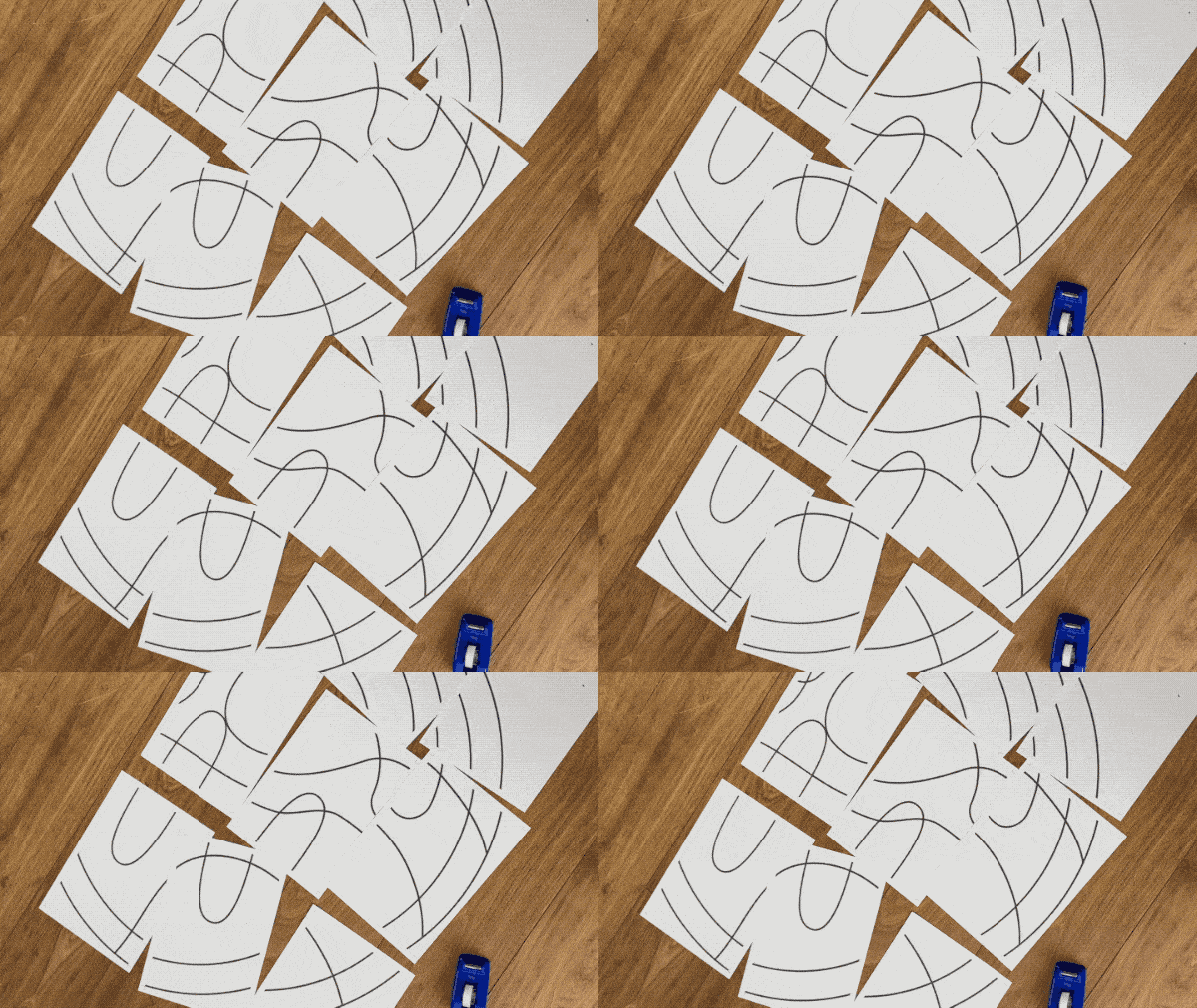
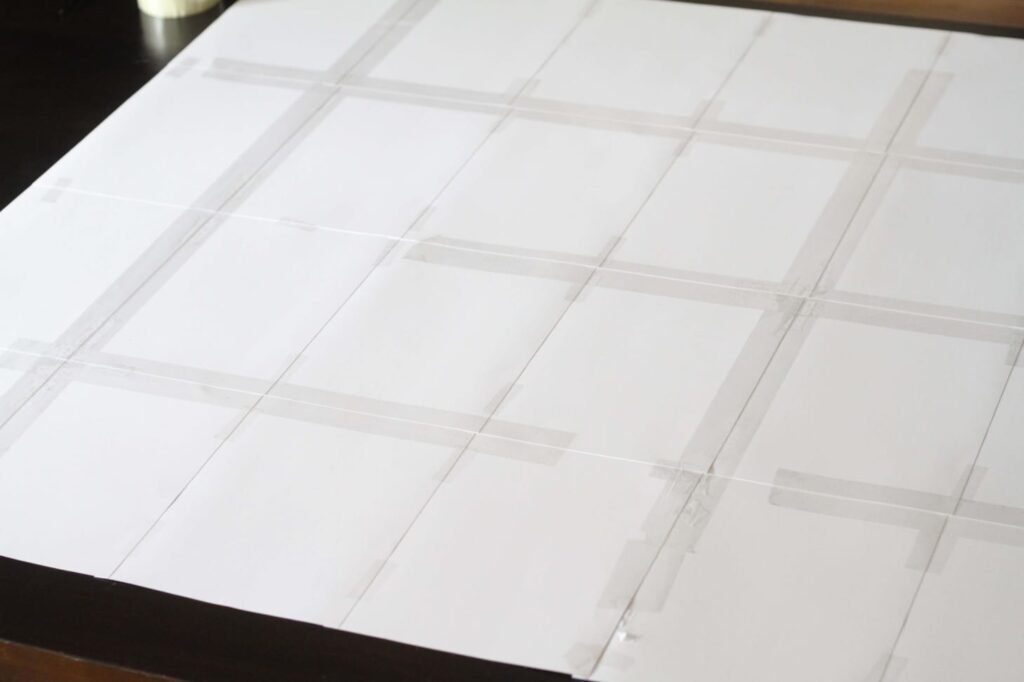
Rasterbator adds lines to each sheet so you can easily tape the borders together and have an edge free scaled up print. This ensures your design goes pixelperfect from concept to rug.
Getting it on your backing.
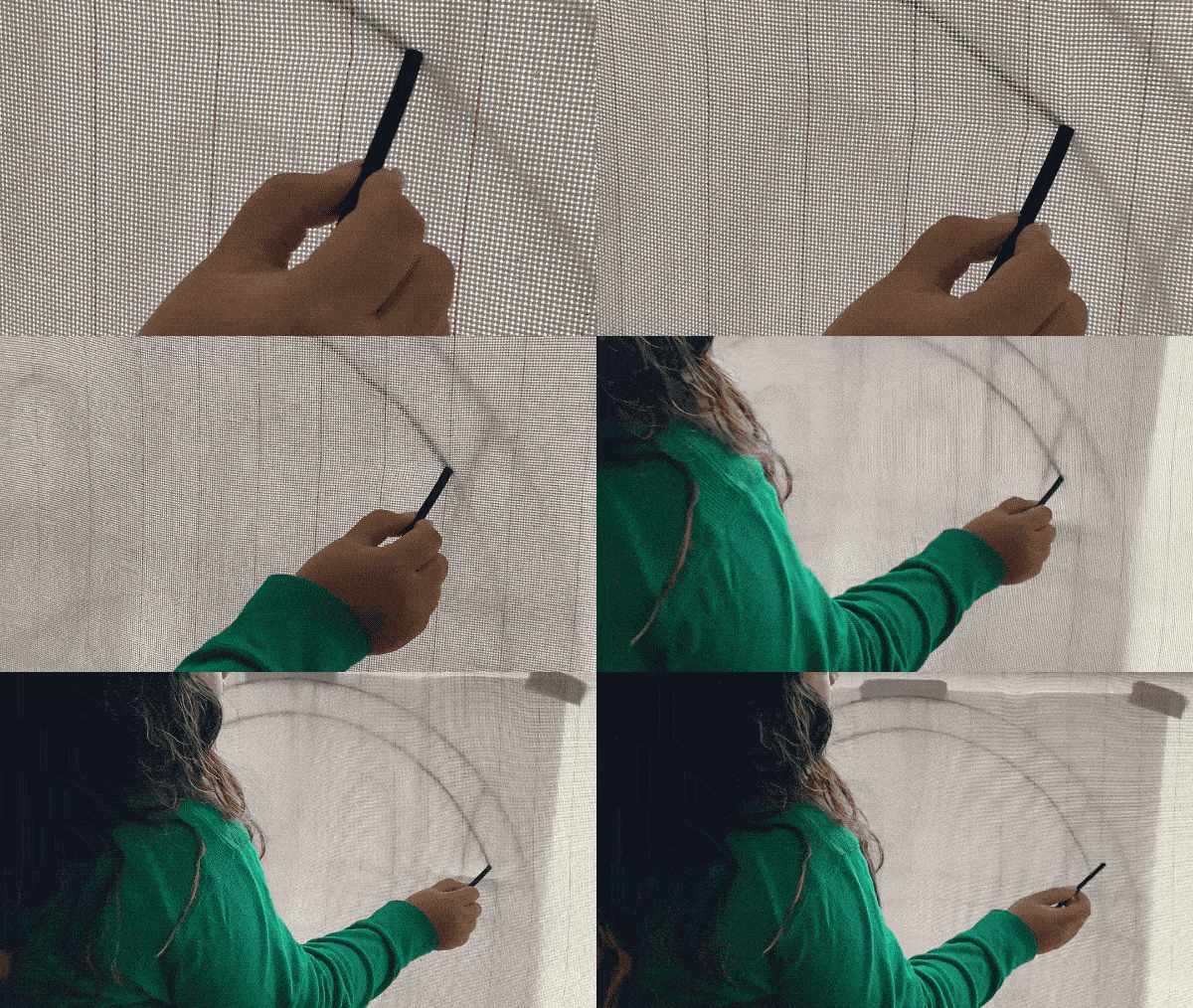
Tape your (mirrored!) print behind your backing cloth and add a bright light behind it or stand in front of a window. This will show your design through the backing cloth so you can draw it over. You can use a marker. We like to use charcoal as we can easily remove it.
When you are done simply throw away your Rasterbator sheets, or keep them for another time. And start your tufting machine!
*Rasterbator is a free open source service but they do accept donations! So don’t forget to donate if used frequently to show support.
Off The Frame: what you made, October 2026
Off The Frame: what you made, September 2026
Wool vs Polyester for Tufting – which yarn should you use?
Introducing Ultra-Vivid: Polyester Tufting Yarn
Creating Fluffy, High-Pile Contrast in Your Rugs
How Much Yarn Do I Need for My Tufting Project?
How Much Yarn Do You Need for Tufting Workshops?
Fabio Passeri’s Tibetan Celestial Dragon